Ctrl+K
TrackLib 0.8 documentation - Home TrackLib 0.8 documentation - Home
  • Start
  • Data
  • Processing Guides
  • Use Cases
  • Concepts
  • API Reference
  • GitHub
  • Start
  • Data
  • Processing Guides
  • Use Cases
  • Concepts
  • API Reference
  • GitHub

Section Navigation

  • Matching Two Tracks
  • Aggregate Trajectories
  • Apply a Band-Stop Fourier filter
  • Interpolate a Track
  • Map-Match a Track to a Network
  • Map DTM Data onto a GNSS Track
  • Align two tracks
  • Segment a Track
  • Detect Return Trips
  • Query a Track with SQL-like Commands
  • Select GNSS Tracks
  • Simplify GNSS Tracks
  • Build an Analytical Feature Map
  • Generate Synthetic Tracks
  • Create a Realistic Synthetic Track
  • Generate a TrackCollection from a Network
  • Processing Guides

Processing Guides#

This section contains practical guides for common Tracklib processing tasks.

Comparison#

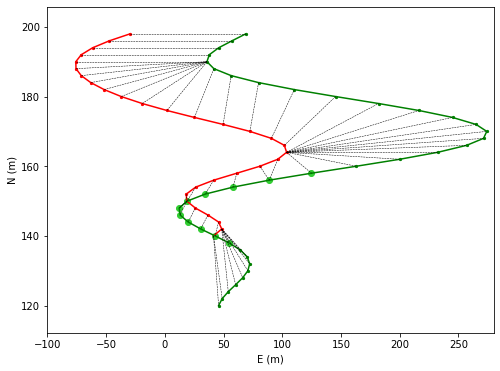
Matching Two Tracks
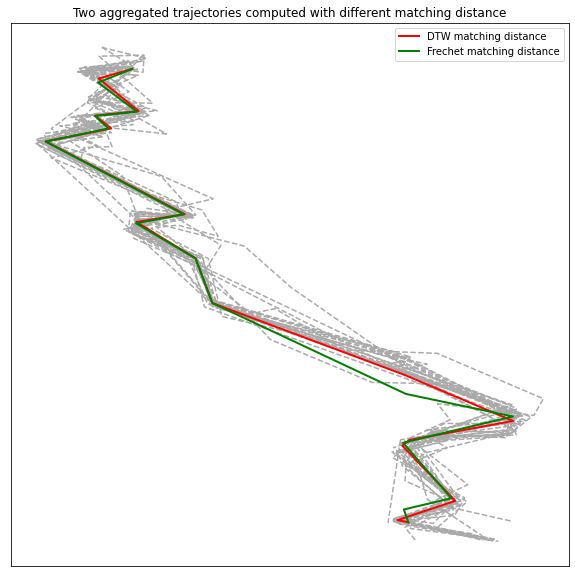
Aggregate Trajectories

Filtering#

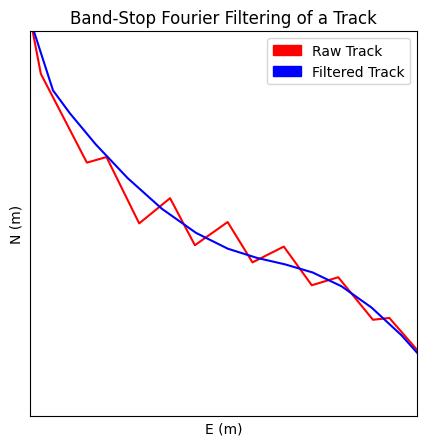
Apply a Band-Stop Fourier filter

Interpolation#

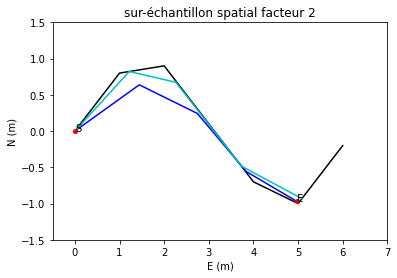
Interpolate a Track

Mapping#

Map-Match a Track to a Network
Map DTM Data onto a GNSS Track
Align two tracks

Segmentation#

Segment a Track
Detect Return Trips

Selection#

Query a Track with SQL-like Commands
Select GNSS Tracks

Simplification#

Simplify GNSS Tracks

Summarizing#

Build an Analytical Feature Map

Synthetic Tracks#

Generate Synthetic Tracks
Create a Realistic Synthetic Track
Generate a TrackCollection from a Network


previous

Coding with tracklib in QGIS (ubuntu)

next

Matching track

On this page
  • Comparison
  • Filtering
  • Interpolation
  • Mapping
  • Segmentation
  • Selection
  • Simplification
  • Summarizing
  • Synthetic Tracks
Show Source

© Copyright 2026, LASTIG lab, French National Institute of Geographic and Forest Information.

Created using Sphinx 7.3.7.

Built with the PyData Sphinx Theme 0.17.1.